Production Builder vs Custom Builder Software: Which Do You Need?
Production builder software and custom builder software are fundamentally different tools built for fundamentally different workflows. Using the wrong one costs you time, money, and the features you actually need.
The distinction matters more than most builders realize. Our home builder project management software guide covers the full landscape — this post goes deeper on the workflow differences that determine which category actually fits your business model. If you're evaluating platforms right now, getting this right before you sign a contract is the single most important decision you'll make.
What makes a production builder different?
A production builder builds the same floor plans repeatedly across multiple communities. You have a model lineup — three or four floor plans, each with option packages — and you sell variations of those models over and over. Your job is systematic execution: same plans, same vendors, same sequences, at scale.
That repeatability is your superpower. It means:
- Your schedule templates are mostly the same from lot to lot
- Your material takeoffs are driven by the plan, not the individual job
- Your design center offers pre-configured option packages that buyers choose from
- Your vendor relationships are community-level — the same framing crew covers all of Oak Ridge
- Your draws follow a predictable milestone sequence tied to the plan and community
Production builders doing 10–200 homes per year are building a machine. The software needs to run the machine, not manage one-off projects.
What makes a custom builder different?
A custom builder works from a blank slate every time. Each job is a unique client, a unique design, a unique budget, and a unique set of decisions. Your workflow is organized around managing complexity for an individual buyer — not repeating a proven process at scale.
Custom builder workflows look like:
- Progress invoicing tied to completion percentages, not milestone templates
- Change orders that can fundamentally alter scope mid-project
- Cost-plus or fixed-price contracts negotiated per job
- Client-facing communication and approval flows baked into daily operations
- No repeating floor plans — each job starts with the architect's plans
Custom builders need project-level financial management, not a platform for scaling plan repetition. The two are almost opposite requirements.
Why the wrong software category is a serious problem
The most common mistake mid-size builders make is choosing a platform that was designed for the wrong workflow. It usually happens because the sales demo looks good and the integrations list is long — but the core architecture doesn't match how you actually build.
Here's what that mismatch looks like in practice:
Production builder using custom builder software
You spend hours manually building schedule templates that should be auto-generated from your floor plan library. There's no concept of “communities” — just a flat list of jobs. Your design center selections live in a spreadsheet because the software has no options engine. Material takeoffs are either manual or non-existent. Vendor relationships are tracked per job instead of per community.
Platforms like JobTread and Buildertrendare excellent for custom and semi-custom builders. For a production builder running 50+ homes across 3 communities, they're the wrong tool for the job.
Custom builder using production builder software
The opposite problem: the platform assumes you have repeating floor plans and pre-configured option packages. Every job becomes an awkward fit. Change order workflows are clunky because the system was designed for plan-driven execution, not job-level negotiation. Progress invoicing doesn't map cleanly to milestone templates.
Which platforms fit which builder type?
What should production builders look for specifically?
If you're a production builder evaluating software, there are five capabilities that separate purpose-built production platforms from repurposed general contractor tools:
Floor plan library with repeating schedules
Schedules should be generated from a template tied to your floor plan — not built manually for every job. Each new lot should inherit the plan's baseline schedule automatically.
Community-level vendor assignments
Your framing vendor for Oak Ridge isn't the same as your framing vendor for Maple Creek. The platform should track vendor relationships at the community level, not per job.
Options engine with buyer-facing design center
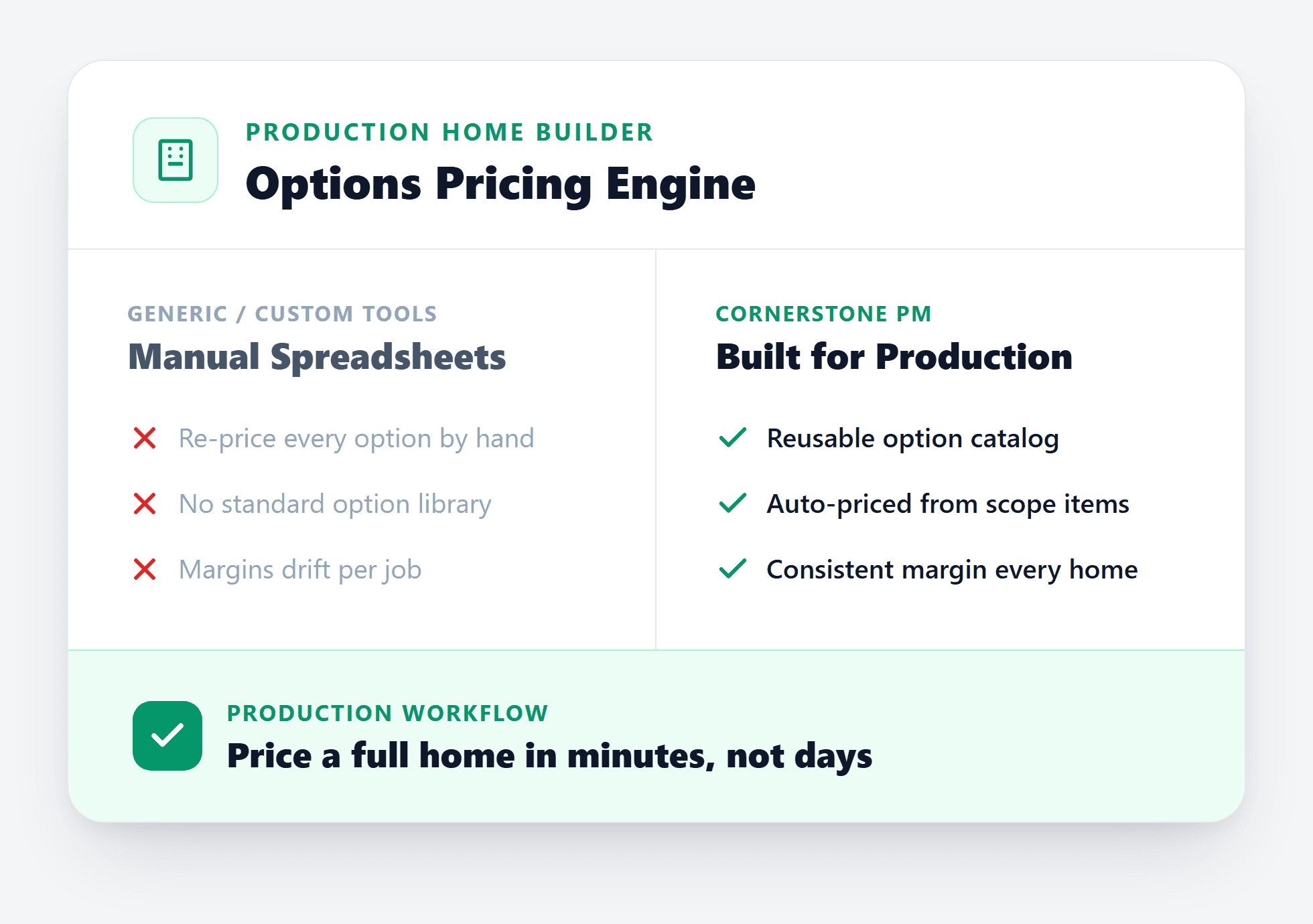
Buyers choose from pre-configured option packages. Selections should flow automatically into purchasing and pricing — not require manual entry into a separate system.
AI-driven material takeoffs from floor plan PDFs
Production builders run the same plans repeatedly. AI takeoffs that extract 130+ material scopes from a floor plan PDF in under 60 seconds pay off faster when the same plan appears across 50 lots. Manual takeoff is a bottleneck that doesn't scale.
Vendor bidding with side-by-side comparison
Send a bid request to multiple vendors, get structured responses against your scope items, and compare side-by-side before awarding. Production scale means vendor pricing decisions compound — a small unit cost difference across 50 homes is a real number.
How do you figure out which category you actually are?
Ask yourself one question: do you build the same floor plans more than once?
If yes — even semi-custom builders who modify a base plan for each buyer — you're closer to the production model and you need software that treats plan repeatability as a core feature, not an edge case.
If every job starts from a blank design and there's no repeating plan library, you're in custom builder territory. A general contractor tool with strong change order management and client communication will serve you better than a production-optimized platform.
Most builders in the 10–75 homes/year range who are struggling with their current software are production builders who accidentally chose a custom builder tool. The fix isn't customizing the wrong platform further — it's switching to a platform built for how you actually work.
See how platforms compare on the features that matter: view our side-by-side comparison or read the full home builder project management software guide.
Built for production builders from the ground up
Cornerstone PM™ is purpose-built for production home builders doing 5–200 homes per year. The entire platform — communities, floor plans, schedule templates, AI material takeoff, design center options, vendor bidding — is designed around the repeatability that makes production building work.
If you're currently on Buildertrend, JobTread, or a spreadsheet workflow and finding yourself constantly working around the platform instead of with it, the mismatch is probably the issue — not your process. The right production builder software should make your repeatability an asset, not an afterthought.
Production builder software that actually works like a production builder.
Cornerstone PM™ is in free beta. Communities, floor plans, AI takeoff, vendor bidding, design center — purpose-built for builders running 10–200 homes per year. Early adopters get two years free.
Request Beta Access