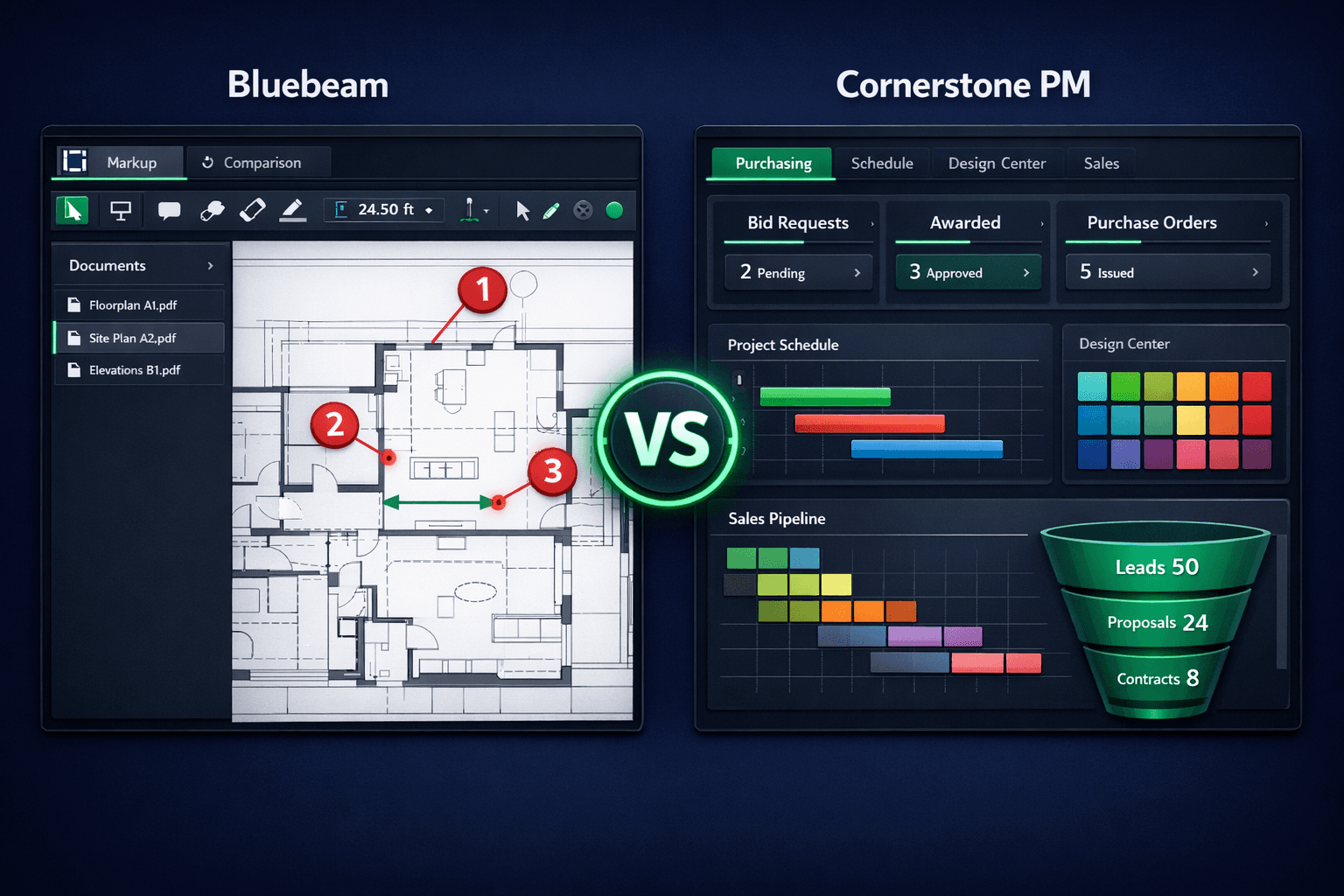
Bluebeam vs Cornerstone PM: Plan Markup Tool or Home Builder Platform?
Bluebeam is a capable PDF plan-review and markup tool, not an end-to-end home builder project management platform. The two tools solve different problems, and understanding which one you actually need — or whether you need both — starts with what each one is built to do.
It's a common mix-up: a builder searching for construction software lands on Bluebeam because it's well known for plan markup, but what they actually need is a system that runs purchasing, scheduling, a buyer design center, sales, and accounting in one connected place. This isn't a teardown of Bluebeam — it's genuinely good at document collaboration. It's a guide to picking the right category of tool for the job in front of you.
What does Bluebeam actually do?
Bluebeam is a PDF markup and document-collaboration tool. Builders, architects, and trades open a floor plan or site plan PDF, add redline annotations, measure distances and areas directly on the drawing, and compare revisions when a plan set changes. It's a document-centric workflow: the PDF is the unit of work, and Bluebeam's job is to make markup, measurement, and version comparison fast and reliable.
That's a real and useful capability. Plan sets change throughout a project, RFIs need visual context, and comparing a revised elevation against the prior version by eye is slow without the right tool. Bluebeam is purpose-built for exactly that slice of the workflow.
What does Cornerstone PM do that Bluebeam doesn't?
Cornerstone PM isn't a document markup tool — it's an operational platform built around a floorplan data model. Instead of treating a plan as a static PDF, Cornerstone lets a builder define a floorplan once — its scope items, its options, its structural upgrades — and then sell and build that plan across every community and lot without rebuilding the estimate each time.
From there, Cornerstone connects the workflows a production builder runs every week:
- Purchasing — scope-filtered Excel bid templates sent through a no-login vendor portal, with community-assigned vendor awards and automated purchase orders generated on task scheduling or completion.
- Scheduling — task scheduling with cascade dependencies, so a delayed framing start shifts every downstream task automatically instead of requiring a manual re-plan.
- Design Center — 64 Designer Packages, exclusion groups (pick one from Carpet, Tile, LVP, or Hardwood), and spec-level upgrade control down to a single option, all tied to real budget line items.
- Sales — a pipeline view from lead to contract, tied to the same community, lot, and floorplan data used everywhere else in the platform.
- Accounting — one-way QuickBooks Online sync where approved POs, change orders, bills, and vendors post automatically with no manual re-entry.
Head-to-head: Bluebeam vs Cornerstone PM
| Category | Bluebeam | Cornerstone PM |
|---|---|---|
| Core purpose | PDF plan markup, measurement, and document collaboration | Connected operating system: purchasing, scheduling, design, sales, accounting |
| Floorplan / plan repeat model | No plan data model — PDFs are static documents | Define a plan once; scope items and options reused across every community and lot |
| Purchasing & vendor bidding | Not part of the product | Scope-filtered bid templates, no-login vendor portal, community-assigned awards |
| Scheduling | Not part of the product | Task scheduling with cascade dependencies and vendor notifications |
| Buyer-facing design center | Not part of the product | 64 Designer Packages, exclusion groups, spec-level upgrade control |
| AI capabilities | Not an AI-first platform | 5 native AI agents including Blueprint AI takeoff from plan PDFs |
| QuickBooks sync | Not part of the product | One-way sync; Community = QBO Customer, Home = QBO Project |
| Document markup & measurement | Purpose-built markup tools, redlines, revision comparison | Not a document markup tool — reads plan PDFs into structured budget data instead |
How does Cornerstone turn a plan PDF into a budget instead of just marking it up?
This is where the two tools diverge most clearly. Bluebeam helps a human read and annotate a plan PDF faster. Cornerstone's Blueprint AI reads a floor plan PDF and extracts material scopes directly into a structured budget — no manual quantity counting, no retyping room dimensions into a spreadsheet. The output isn't a marked-up document; it's live scope items already tied to the floorplan record inside Cornerstone.
That's not a knock on markup software — reading a drawing and turning it into structured cost data are genuinely different jobs, and Cornerstone doesn't try to replace Bluebeam's redline and revision-comparison workflow.
Do you need to choose one over the other?
Not necessarily. Teams that rely on heavy document markup, RFI annotations, or drawing-revision comparisons may keep using Bluebeam for that specific job while running purchasing, scheduling, design, sales, and accounting through Cornerstone PM as the operational system of record. The two tools aren't competing for the same use case, so there's no conflict in using both where each one fits.
What doesn't work is expecting a markup tool to manage vendor bidding, a buyer design center, or QuickBooks job costing — or expecting an operational platform to replace dedicated document-markup software for teams that need it. Match the tool to the job, and for the operational side of running production home building, a connected platform built for floorplan repeats and community workflows is the right category of tool.
For more on how Cornerstone's purchasing workflow connects bid requests to purchase orders, see from bid request to purchase order, and for the takeoff side of reading a plan PDF into a budget, see how Blueprint AI extracts material scopes.
Frequently Asked Questions
What is Bluebeam used for in home building?
Is Bluebeam a replacement for home builder project management software?
Can Cornerstone PM open and mark up plan PDFs like Bluebeam?
Do builders need both Bluebeam and Cornerstone PM?
Does Cornerstone PM integrate with QuickBooks the way Bluebeam does with other tools?
Which tool is right for a production home builder running multiple communities?
A connected platform for production home builders.
Purchasing, scheduling, design center, sales, and one-way QuickBooks sync — built around floorplan repeats, not static documents.
Request Early Access