You Downloaded the Backup: Can Your Team Actually Use the Export?
A downloaded export is only useful if someone has opened it and confirmed the records are there. Use this construction data export checklist to sample real homes, vendors, and purchase orders, check how they connect, and write down what the file covers.
Downloading a backup feels like finishing the job. The file sits in a folder, and everyone assumes it is complete. The problem shows up months later, when someone needs a vendor history or a purchase order trail and discovers the columns are not what they expected. A short review now, done by a person who knows the business, turns a file you hope is fine into one you have actually looked at. It also pairs well with the questions Foreman helps your team answer inside the platform: the export is the offline copy, and this review tells you whether that copy is usable.
What the export review checks
Export date recorded
The file is labeled with when it was created and who created it
Known records present
A sample of homes, vendors, and purchase orders you already know appears correctly
Relationships intact
Identifiers still connect a purchase order to its home and vendor
Files understood
You know which attachments appear as links instead of embedded contents
Findings documented
A short written note states what was checked and what was not
Where does the export start, and what should you write down?
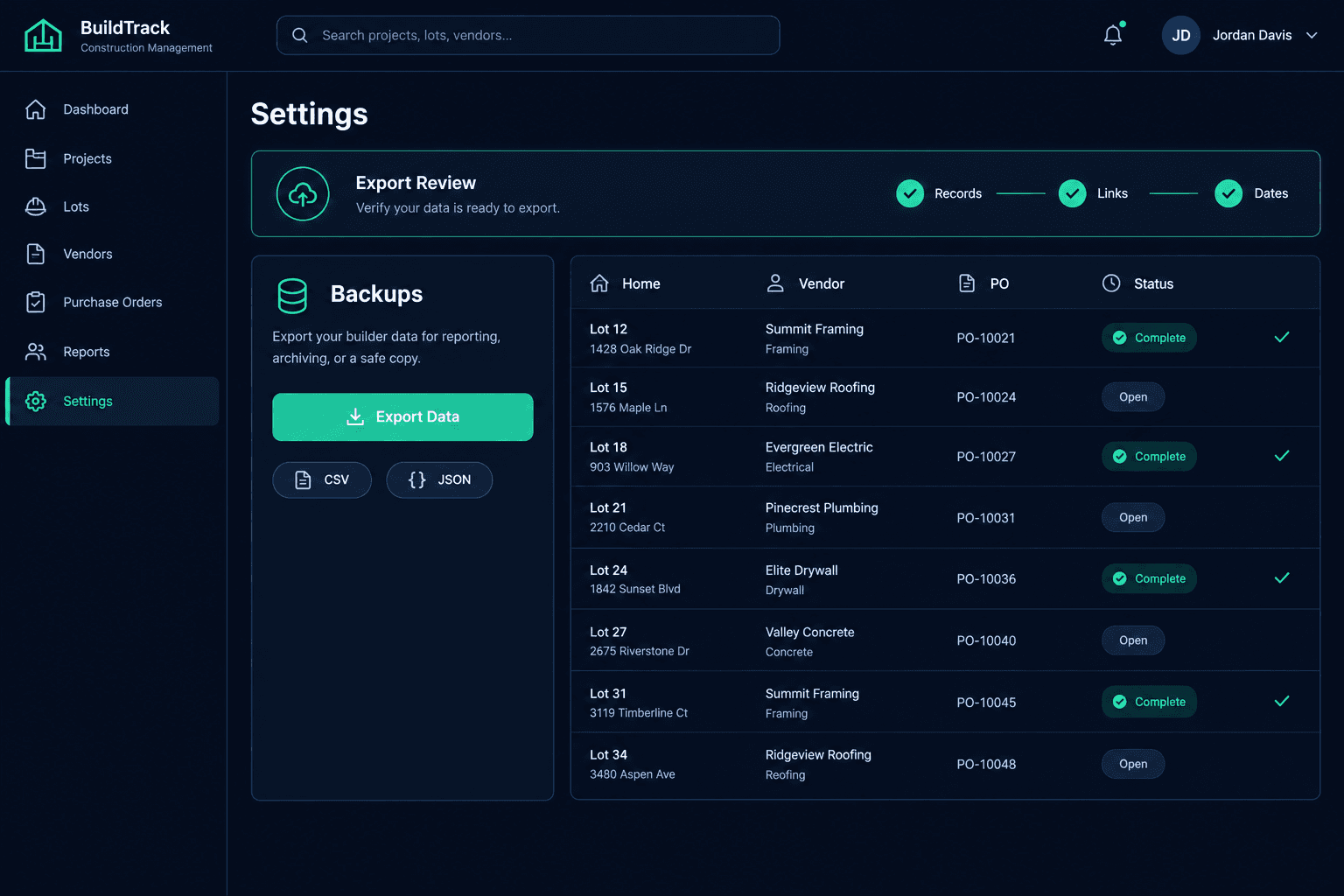
In Cornerstone, an administrator creates a manual CSV or JSON export from Settings, then Backups. Before opening anything, record the export date and who created it. A file named only “export” looks identical six months later, and a stale export mistaken for current data causes more confusion than having none. Put the date in the folder name and in your review note.
How do you open it safely?
Use an appropriate local tool on a company computer: a spreadsheet for CSV files, a text editor or JSON viewer for JSON files. These exports contain vendor, pricing, and customer information, so do not paste or upload them into public AI services or shared online converters. If your team wants help analyzing the data, ask questions through your project management platform instead, where access controls already apply.
Which records should you sample first?
Choose records you already know well: one active home, one vendor you pay often, and one recent purchase order. Find each in the export and compare the values against what you remember. If a home you closed on last month is missing, or a vendor name looks wrong, you learned something valuable while it is still cheap to ask. Known records work better than random rows because you can spot an error immediately.
A completeness review is not a restore test
Confirming the file contains the records you expect does not prove you could rebuild operations from it. Treat this as a human inspection, and say so in your note. Do not promise the team a one-click recovery that has not been tested.
Do the relationships still connect?
Records matter most when they link. Take the purchase order you sampled and confirm it carries identifiers that tie it to the right home and the right vendor. If a person can follow those identifiers from one file to another, the data keeps its meaning outside the system. If the connections are unclear, note exactly which fields you would need documented before anyone could rely on this file for a real lookup.
What about attachments and uploaded documents?
Do not assume the export is a full archive of every document. Files hosted externally may appear as links rather than embedded contents, so a quote PDF or inspection photo may exist only as a reference. Check a few attachments you care about, see how they are represented, and write down whether your team keeps its own copies elsewhere. This is the gap people discover too late.
What should the review note say?
Keep it to a paragraph: the export date, who created it, which records you sampled, what matched, what was missing or unclear, and what the file does not include. File it beside the export. Repeat the review on a schedule your team can maintain, such as quarterly, and after any large data import.
A backup you have never opened is a guess. Spend an hour sampling known records, checking identifiers, and noting how files are represented, and you will know what your team can really use. For more on asking better questions of your build data, see Foreman.
Know what is in your backup before you need it.
Cornerstone gives administrators manual CSV and JSON exports so your team can review its own records on its own schedule.
Request Early Access