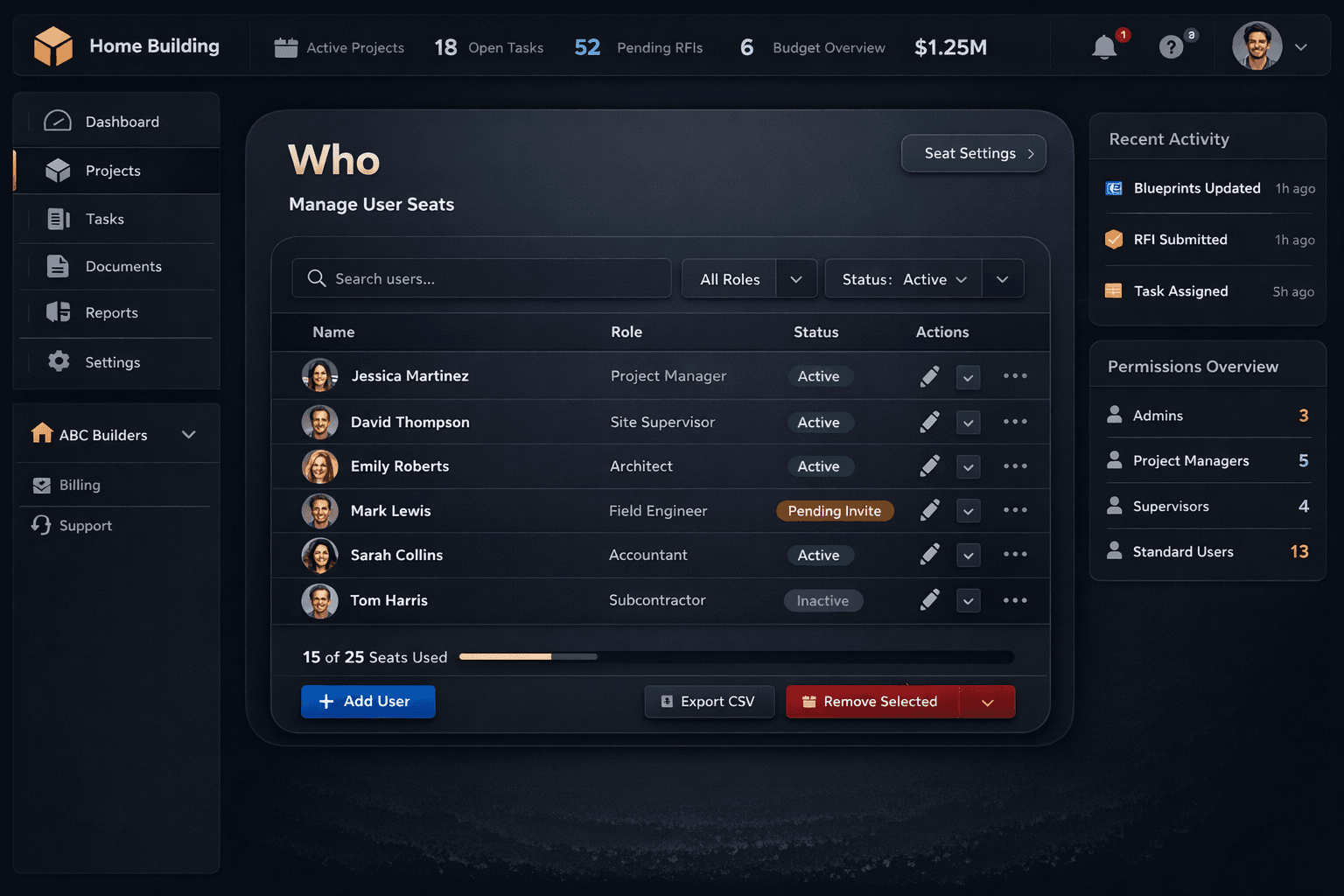
Who Actually Needs a Login? Rethinking Construction Software Seats
Per-seat pricing punishes you for looping in your trades. The more people you involve — vendors, suppliers, buyers — the more expensive the platform gets, which quietly trains teams to share logins or leave people in the dark. Purpose-built home builder software handles this differently: the internal team holds seats; everyone else gets purpose-built portals that require no account at all.
The math builders never run: if a 50-home-per-year operation has five internal staff, fifteen active subcontractors across three communities, four material suppliers, and fifty active buyers moving through the design center — and the platform charges for all of them — the seat bill scales faster than the operation. A tool that costs more as you get better at using it is a tool with a perverse incentive baked in.
Who holds a seat vs. who uses purpose-built portals
Internal team — seats
Owner / Principal
Full platform access
Project Manager
Schedule, tasks, purchasing
Superintendent
Jobsite tasks and schedules
Purchasing
Bids, POs, vendor management
Sales Rep
Pipeline and design center
Outside parties — no account
Subcontractors
Bid via token portal, no account
Material suppliers
Receive POs by email
Homebuyers
Design center, no login
Vendor contacts
Email notifications only
Who genuinely needs a seat?
The answer is simple: the people who read and write platform data as part of their daily job. In a typical home building operation, that's the owner or principal, the project manager, the superintendent, the purchasing lead, and the sales rep. These are the five roles that open the app every morning, move tasks, send bid requests, update the design center, and close deals.
Everyone else in the operation — the plumber who submits a bid, the lumber yard that gets a purchase order, the buyer who picks flooring — interacts with the builder at specific, bounded moments that don't require full platform access. Giving them seats doesn't improve the experience; it inflates the bill and adds credentials to manage.
How vendors work without an account
In Cornerstone PM, subcontractors never create an account. A bid invitation goes to their email with a token-protected link — they click it, land directly in a portal showing only their scope-filtered template, download the Excel file, upload their quote, and submit. No credentials, no registration, no confusion. The token is specific to that vendor and that request, so security holds without a barrier to entry.
Once a bid is awarded and work begins, the vendor's purchase order arrives by email when the task completes — automatically, without anyone opening the purchasing screen. The framer doesn't log in to check status; the PO lands in their inbox. A subcontractor who bids across ten builders doesn't need ten accounts to work with all of them through Cornerstone PM.
Material suppliers follow the same pattern. They receive purchase orders by email and respond to the contact embedded in the PO. There's no supplier portal to configure, no login to maintain, and no per-supplier seat cost absorbing the savings from going to bid.
How buyers access the design center without a license
The design center is the place where a homebuyer picks flooring, countertops, cabinets, and fixtures across dozens of option classes. If that interaction required a paid platform seat, every sold home would add to the monthly bill — a structure that makes no sense for a production builder selling the same plans repeatedly.
In Cornerstone PM, buyers access the design center without holding a license. The selections process is handled through a purpose-built buyer experience that connects to the builder's real option catalog, with spec levels, exclusion groups, and designer packages intact — but without the buyer touching the platform's internal tools. The builder's seat count doesn't grow when the sales team closes.
What happens when the internal team grows
Base plans in Cornerstone PM include a set number of seats sized for the internal team at each tier. When an operation grows — a new PM hired, a second superintendent added for a new community — the Power User Seat add-on at $149 per seat per month covers the expansion without requiring a full plan upgrade. The outside parties — vendors, buyers, suppliers — stay at zero cost regardless of how many communities are open or how many homes are active.
Most small-to-mid builders in the 5-to-200 homes per year range never hit the add-on. The seat structure is designed to match what a real building operation looks like: a small internal team running a large external network of vendors and buyers. Seat costs scale with the team, not with the business.
Seat count is never a hostage
One concern builders carry into any software decision: can I get my data back if the platform stops working for me? In some systems, the answer is effectively no — exports are incomplete, gated by plan tier, or require a support ticket that takes weeks.
In Cornerstone PM, admins can export the full database as CSV or JSON at any time from Settings → Backups. Nightly auto-backups are retained for seven days; on-demand manual backups are available whenever. The export is a one-click operation, and it covers the complete dataset — not a subset. Your data belongs to you on day one and on any day you decide to leave, with no export fee and no waiting period.
That portability applies regardless of seat count or plan tier. The seat structure keeps costs honest; the export policy keeps the relationship honest. Builders who know they can leave tend to stay, because a platform confident enough to let you out isn't one that needs lock-in to retain customers.
Seats for your team. Portals for everyone else.
Cornerstone PM charges for the five internal roles that use the platform every day. Subcontractors, suppliers, and buyers all get purpose-built access with no account required — and no seat cost attached.
Request Early Access