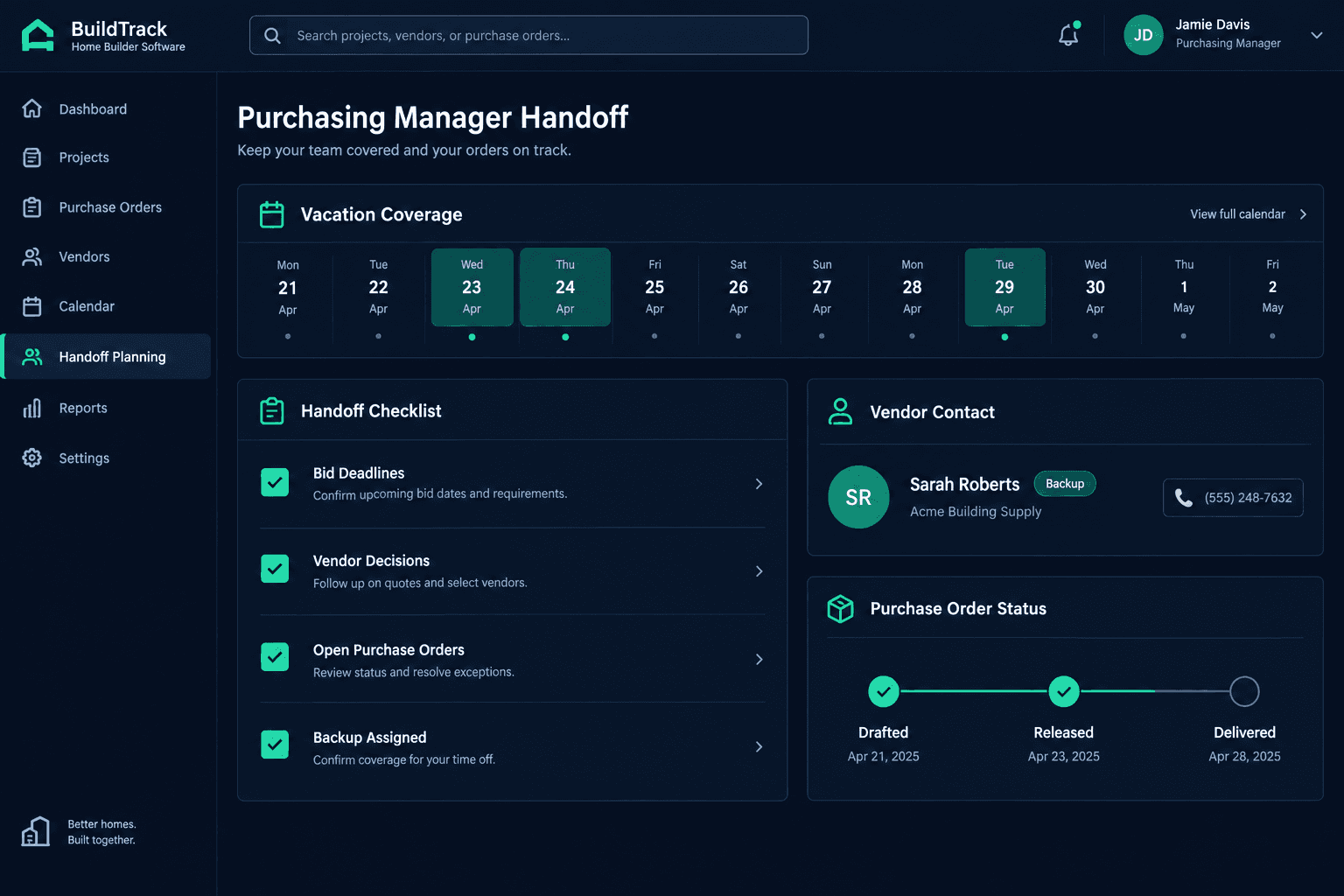
Your Purchasing Manager Is Out Next Week: What Needs a Named Backup?
A purchasing manager's week off only goes smoothly if someone named — not just notified — is covering bid deadlines, pending vendor decisions, and open purchase orders while they're gone. Cornerstone PM's Purchasing module gives you the bid status, vendor awards, and order history to build that handoff — but assigning the backup is still a manual step your team has to run.
The request for time off usually gets approved without a second thought. What doesn't automatically follow is a plan for the bids, vendor calls, and purchase orders that don't pause just because the purchasing manager is out of office. Without a written handoff, those things either wait a week — pushing schedules — or get handled by whoever happens to notice first, with no record of who decided what.
Which bid deadlines actually fall inside the absence window?
Start by pulling every open bid request and checking its response or award deadline against the exact dates your purchasing manager will be out. A deadline that looked safely a week out when it was set can land squarely in the middle of a vacation once the calendar actually gets checked. Cornerstone PM's bid-status tracking shows which requests are still awaiting a vendor response and which have submissions sitting ready for review, so you're not guessing which ones are time-sensitive.
Bids with a deadline inside the window
Every open bid request whose response or award deadline overlaps the absence, pulled from bid-status tracking before the handoff worksheet is finalized.
Vendor decisions in the queue
Any award, price acceptance, or scope clarification that's been sitting with the purchasing manager and can't just wait until they're back.
Who covers community vendor coordination while they're out?
Most purchasing managers are the default point of contact for a handful of communities — vendors know to call them, not the superintendent, when a question comes up. Cornerstone PM's community vendor awards show exactly which vendors are assigned where, which gives you the starting list. From there, someone on the team needs to be named as the person those vendors can reach directly for the week, not just cc'd on an out-of-office reply.
What's the real status of every open purchase order?
Not every open PO is at the same stage, and treating them as one list is how something gets missed. Separate them into drafted but not released, released but not yet acknowledged by the vendor, and acknowledged but not yet delivered. Cornerstone PM's purchase order records and accepted pricing history give the backup a clear picture of what's actually in motion, instead of a flat list with no sense of what's urgent.
Does moving notifications to a backup also move authority?
No — and this is the gap that causes the most trouble. Per-user role notification subscriptions decide who sees an alert land in their inbox. They don't decide who's allowed to approve a bid, accept a price, or release a purchase order. Move the notifications to a named backup, then separately confirm that person's role actually carries the access needed to act on what they'll be seeing.
Notified is not authorized
A backup who receives every alert but can't approve anything is just watching the queue grow. Confirm access before the absence starts, not after something stalls.
Name the backup, don't imply one
"The team will cover it" is not a handoff. Write down one name per category — bids, vendor decisions, POs — before the purchasing manager leaves.
What this handoff isn't
This is a worksheet, not a feature. Cornerstone PM doesn't auto-reassign a purchasing manager's tasks when they log a vacation, and it doesn't grant temporary approval rights on its own. What it gives you is accurate, current data — open bids, vendor assignments, PO status, and who's subscribed to what — so your team can build the handoff worksheet quickly and correctly, instead of reconstructing it from memory the morning someone leaves.
Run this before every extended absence, not just the ones that feel risky. A quiet week with no open bids can turn into an urgent one if a vendor responds early or a schedule shifts — and the worksheet only works if someone actually checks it again a day or two before the purchasing manager walks out the door.
See every open bid, order, and vendor assignment in one place
Cornerstone PM's Purchasing module keeps bid status, vendor awards, and purchase orders current, so a handoff worksheet takes minutes instead of a morning of digging.
Request Early Access