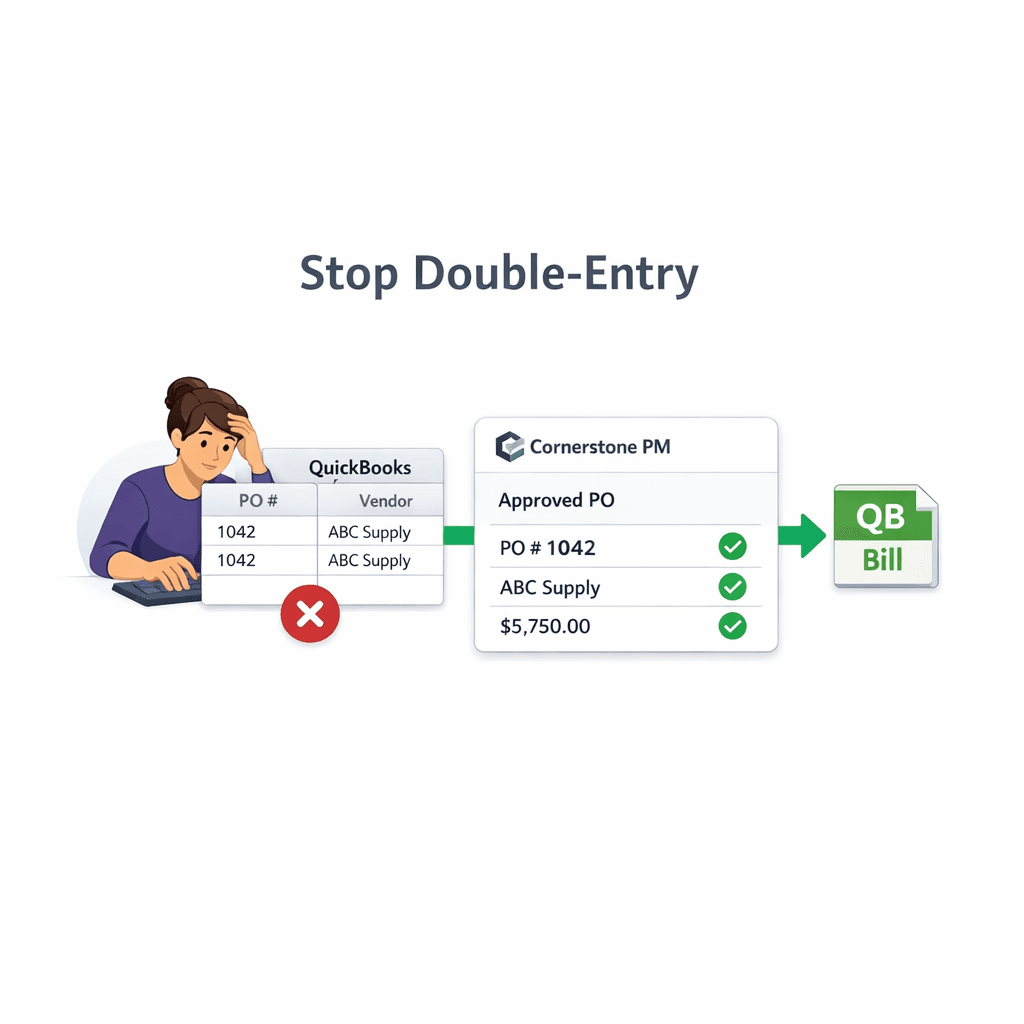
Stop Double-Entering POs into QuickBooks: The Hidden Cost of Manual AP
Re-keying every PO, bill, and vendor from Cornerstone's purchasing workflow into QuickBooks by hand burns hours every week and introduces errors that compound at month-end. Cornerstone's one-way QuickBooks sync ends it — approved POs, change orders, bills, and vendors post automatically with no manual step and no CSV cleanup.
Most production home builders run two parallel systems: a construction management platform for operations, and QuickBooks for the books. Every approved PO becomes a task on someone's list — re-key the vendor, re-key the amount, pick the right cost code, double-check the community attribution. On a busy week with 10–15 POs going through, that's an afternoon of bookkeeper time that produces nothing except a copy of data that already existed somewhere else.
And it's not just time. Manual re-entry is where transposed digits, wrong cost codes, and misattributed communities live. A bill posted to the wrong lot doesn't announce itself — it quietly distorts per-home profitability until someone catches the discrepancy at month-end.
What does manual double-entry actually cost?
Most builders underestimate it because the cost is distributed across many small tasks rather than one obvious line item. Mapped out, it looks like this:
For a builder doing 50 homes per year, rough math puts the annual overhead north of 300 hours — not counting the margin erosion from errors that never get caught. None of that is productive work. It's the tax you pay for running two disconnected systems.
How to end manual AP re-entry in 6 steps
- 1
Audit your current manual re-entry points
List every place your team copies data between systems: PO numbers typed into QBO, vendor records maintained twice, bills keyed from paper invoices, CSV exports cleaned before import. These are the friction points the sync eliminates — knowing them upfront shows you the full time savings.
- 2
Connect Cornerstone PM to QuickBooks Online
In Cornerstone PM, go to Settings → Integrations → QuickBooks Online. Connect your QBO account. Run the one-click Chart of Accounts setup — it reuses existing accounts by name, creates construction-ready cost-code items, and leaves your existing books untouched. No restructuring, no data loss.
- 3
Set your AP payment schedule
Configure when bills come due: Net-X days, Weekly (any weekday), Monthly (Nth weekday), Bi-weekly, or Semi-monthly (two paydays per month, e.g. 1st and 15th). Due dates compute automatically from the invoice or bill date and carry into every QuickBooks Bill. No manual date calculation on every transaction.
- 4
Approve a PO — it posts to QuickBooks automatically
The moment a PO is approved or sent in Cornerstone, it posts to QuickBooks Online as a Purchase Order with a structured memo: community name, lot number, street address, PO number, and cost code. Your bookkeeper can trace any QBO transaction back to the exact home without leaving QuickBooks.
- 5
Mark the PO received — the Bill auto-creates and PO closes
When the work is complete, mark the PO received in Cornerstone. The matching Bill auto-creates in QuickBooks, linked to the original PO, which closes automatically — no dangling commitments, no manual reconciliation. Cornerstone never auto-pays; payment approval always stays manual in QuickBooks.
- 6
Batch-pay on payday in QuickBooks
All bills due by your scheduled payday appear together in QuickBooks for a single approval run. No hunting across individual bills, no manual due-date arithmetic. One payday, one approval. The human pay gate is permanent — Cornerstone only moves records, it never initiates payment.
Why one-way sync is safer than two-way for builders
Two-way sync sounds like more capability on paper. In practice, it introduces a specific failure mode that's hard to detect: a bookkeeper edits a vendor name or amount in QuickBooks to match an internal convention, and the sync writes that change back to Cornerstone — silently altering the record that 20 open POs are linked to.
Cornerstone's one-way design keeps it as the source of truth for all job data. Anything that needs to change — vendor details, PO scope, cost codes, amounts — changes in Cornerstone, and the next sync carries the update to QuickBooks. QuickBooks handles accounting, reporting, and payment. Cornerstone runs the build. The two systems never fight over a record because they never write to the same source.
Sync vs. manual entry: quick comparison
Where to see what's synced (and what isn't)
Accounting → Sync Events in Cornerstone shows every push to QuickBooks — timestamp, result, and retry history. If a sync fails due to a network issue or a QuickBooks rate limit, the status is visible there. You always know what landed in QuickBooks and what is pending, without logging into QBO to manually cross-check.
For the full picture of what the Cornerstone purchasing workflow covers — from bid requests and vendor portals through to QuickBooks sync and AP automation — the purchasing page has the complete story. The sync is the last step in a workflow that starts the moment a task is assigned; every step before it also happens without anyone re-keying a number.
End the double-entry loop.
Cornerstone PM syncs approved POs, bills, change orders, and vendors to QuickBooks automatically — one direction, clean memos, zero re-keying. Your bookkeeper works with accurate books, not a second data-entry job.
Request Early Access