Pricing Structural Options Across 12 Floorplans Without 12 Spreadsheets
With Cornerstone PM’s sqft-linked auto-quantity scope items, you define frame labor cost per square foot once — and every floorplan, every elevation, and every structural option reprices itself automatically. Change the rate, and 60 line items update in seconds. No spreadsheets. No per-plan re-entry. No surprises when framing quotes come in over budget.
What Does “Structural Options Pricing” Actually Mean?
If you’re a production builder, structural options are the footprint-altering upgrades buyers can add to a base floorplan: a finished bonus room over the garage, a 3rd-car garage bay, a finished basement, a sunroom addition, a covered rear porch with framing. Each one changes square footage — and therefore changes the cost of every trade that bills per sqft.
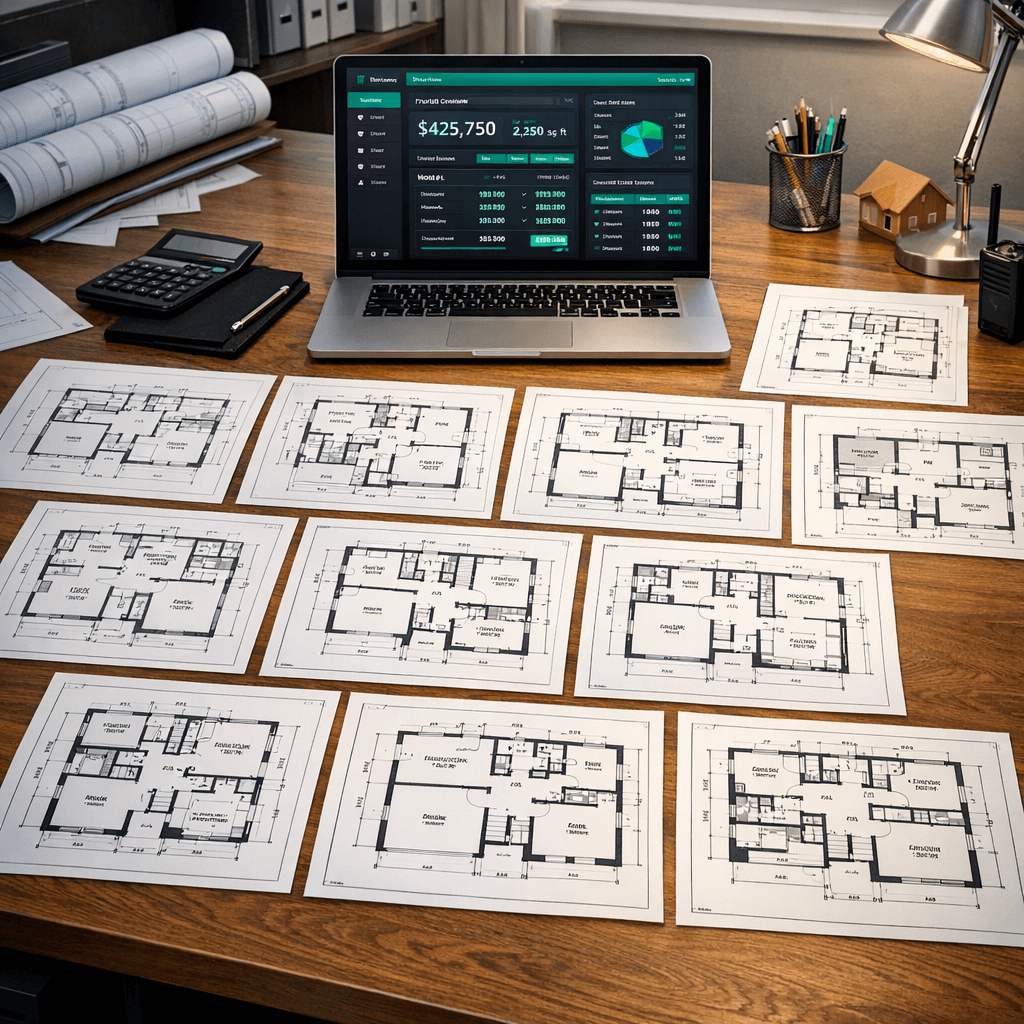
The problem: a production builder with 12 floorplans and 5 structural options per plan has 60 distinct footprint combinations to price. That’s 60 separate entries for frame labor. 60 for slab mason. 60 for paint. 60 for cleaning. Every time a trade changes their rate, every one of those 240+ scope line items needs updating.
Most builders solve this with a spreadsheet. The spreadsheet becomes the source of truth. The spreadsheet gets emailed around. Someone updates the wrong version. A bid goes out with a 2023 labor rate in 2026. You know how this story ends.
The Spreadsheet Math (Before Cornerstone)
12 floorplans
× 5 structural options each
= 60 footprint variants to price
× 4 sqft-based trades
(frame, slab, paint, cleaning)
= 240 line items to update per rate change
Average estimator rate: $65–$85/hr. Average re-price cycle: 2–4 hours. Every time framing or labor costs shift.
How Sqft-Linked Scope Items Change the Math
In Cornerstone PM’s purchasing system, auto-quantity scope items link directly to floorplan measurements instead of holding a static number. You set the quantity source to one of four options:
Under Air Sqft
Trim carpenter, cleaning, paint, flooring labor
Total Sqft
Frame labor, slab mason, insulation, HVAC
Roof Squares
Roof labor, felt underlayment, ridge cap
Exterior Perimeter (ft)
Foundation forms, exterior paint, drainage
When you create a scope item and set the quantity source to Total Sqft, the system reads that measurement directly from the floorplan record — including structural option footprints. Set the unit rate to $4.25/sqft for frame labor, and Cornerstone automatically calculates the correct cost for:
- The 1,850 sqft Magnolia base plan → $7,862.50
- The Magnolia + Bonus Room structural option (2,140 sqft) → $9,095.00
- The Magnolia + 3rd Car Garage structural option (1,990 sqft) → $8,457.50
- All 12 floorplans, all structural options — simultaneously
When framing costs go up to $4.50/sqft, you change one number. Every floorplan. Every structural option. Every community. Updated immediately.
Before vs. After: The Same 12-Plan Portfolio
Before (Spreadsheet)
- ✗12 tabs — one per floorplan
- ✗Structural options added as rows, manually cross-referenced
- ✗Rate change = find-and-replace across 12 sheets
- ✗Easy to miss one structural option variant
- ✗No audit trail — which version is current?
- ✗~3 hrs of estimator time per rate update cycle
After (Cornerstone PM)
- One scope item per trade (e.g., Frame Labor)
- Quantity source = Total Sqft (read from each plan)
- Rate change = edit one field, all 60 variants update
- Structural option sqft flows from the floorplan record
- Full audit trail — one source of truth
- ~2 minutes per rate update cycle
How Structural Option Sqft Flows Through the System
When a buyer adds a structural option — say, a finished bonus room — that option has its own sqft delta defined in the floorplan record. The Magnolia base is 1,850 sqft. The Bonus Room option adds 290 sqft. Cornerstone stores 2,140 as the structural option’s Total Sqft.
Every sqft-linked scope item tied to that floorplan picks up the correct measurement automatically:
- Frame Labor (Total Sqft) → prices at 2,140 sqft for the Bonus Room option
- Paint (Under Air Sqft) → prices at the conditioned-space footprint for that option
- Roof Squares → prices at the updated roof area if the structural option adds roofline
- Cleaning (Under Air Sqft) → prices at the same conditioned footprint as paint
This means the vendor bid template for a Magnolia with a Bonus Room automatically contains the correct scope quantities — not a base-plan estimate with a manually typed adjustment note at the bottom.
For deeper technical context on how structural options interact with the takeoff system, see how Blueprint AI extracts material scopes directly from floor plan PDFs — including detecting structural option footprints from CAD geometry.
What Buildertrend and JobTread Do Instead
Both Buildertrend and JobTread are built primarily for custom builders, where each job is a unique estimate. There’s no concept of a shared floorplan record whose measurements propagate into scope items. Structural options are treated as separate line items negotiated job-by-job — the builder manually enters quantities each time.
That works fine if you’re building 8 one-off custom homes a year. It collapses when you’re running 80 homes across five communities with 12 floorplans and structural options on every plan. You don’t want your purchasing manager doing takeoff math every time a buyer adds a bonus room to a Magnolia.
NEWSTAR handles plan-level scope items, but the UI layer is dated and there’s no native web interface for the auto-quantity configuration Cornerstone exposes in a few clicks. BuildPro has similar structural primitives but requires Citrix desktop access and lacks the modern API layer. The gap is real — and it’s widest for builders in the 30–200 homes/year range where the spreadsheet starts breaking and enterprise ERP is overkill.
Pairs Naturally With the Full Design Stack
Sqft-linked structural option pricing connects directly to the rest of Cornerstone’s design center:
- Designer Packages auto-lock category options when selected — structural option pricing flows through without conflict
- Exclusion groups (Pick One flooring, roofing, countertops) work alongside structural pricing layers
- Bid templates filter by scope, so structural-option quantities go to the right trade vendors automatically
- Foreman AI (396+ skills) can pull current sqft data, compare vendor quotes, and flag scope pricing anomalies across floorplans
Is This the Right Fit for Your Operation?
If you’re a production builder running more than one floorplan and offering structural options to buyers, sqft-linked auto-quantity scope items will save your estimating and purchasing team material time — every time a trade rate changes, every time you add a floorplan, every time you launch a new community.
If you’re a custom builder with unique scopes on every job, this system is more structure than you need. Cornerstone PM is purpose-built for production home builders who repeat floorplans across communities — not for one-off custom work.
For a broader look at how Cornerstone PM compares to the platforms production builders typically evaluate — including Buildertrend, NEWSTAR, JobTread, and BuildPro — see the home builder project management software overview.
Stop Repricing 60 Line Items by Hand
Set up sqft-linked structural option pricing in a platform built for production builders — and reclaim the hours your estimating team spends on spreadsheet maintenance.
Request Early Access