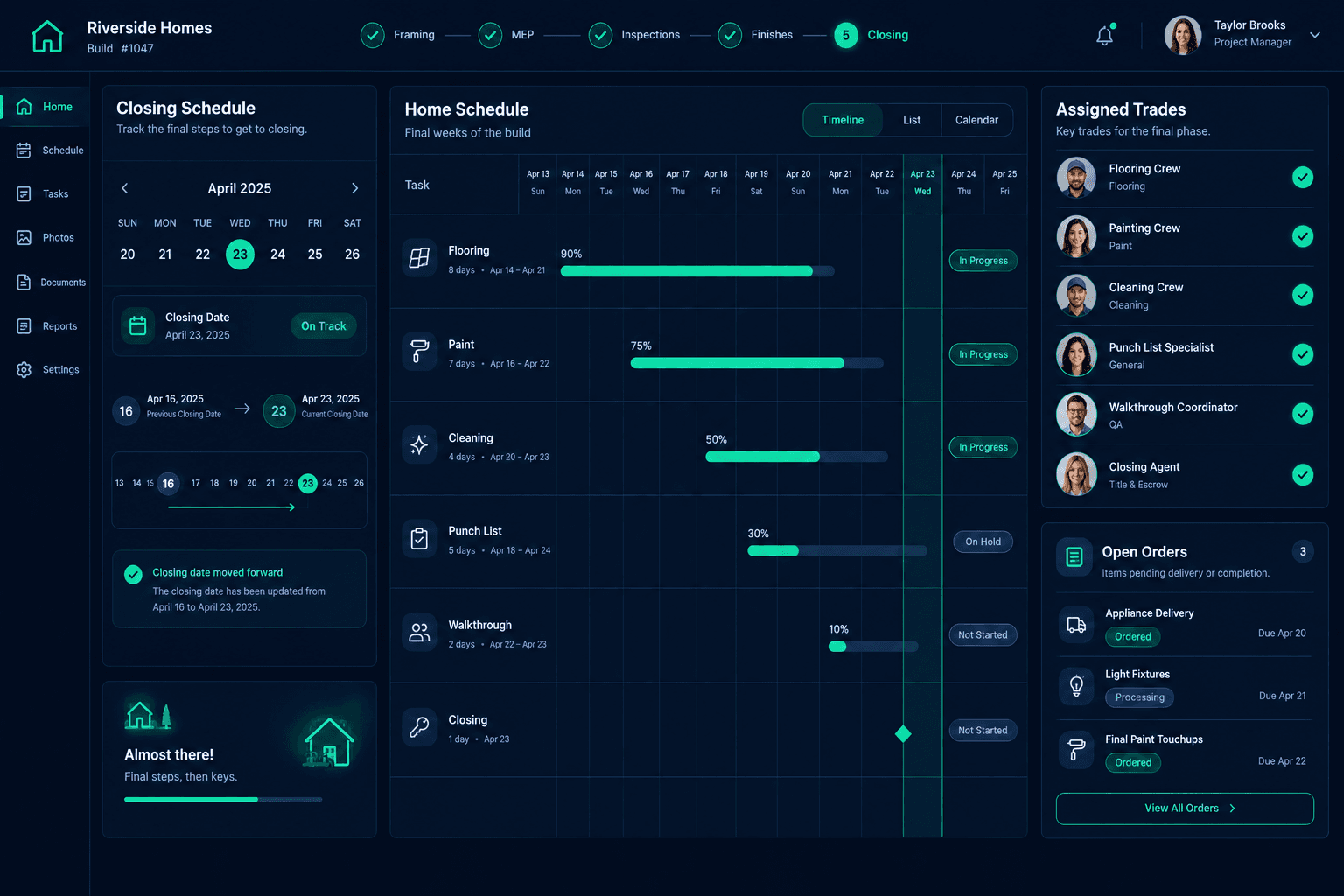
The Closing Date Moved: Re-Sequence the Final Weeks of a Build
When a closing date moves, confirm the new date first, then re-sequence every remaining task between today and closing, with the punch list and buyer walkthrough placed ahead of it. Keep the revised plan on the home schedule so every trade works from the same dates.
Closing dates change for reasons that have nothing to do with the build: a buyer's financing, a lender's timeline, a move that has to happen sooner. The jobsite feels it anyway. The final weeks of a home are the most crowded stretch of the schedule, with finish trades, cleaning, punch list items, and the walkthrough all packed together. Moving the end date moves the pressure on all of them.
This is an operational checklist for the team. It does not cover lender, legal, or contract questions about closing. Those belong to your sales and closing contacts.
What should you review when a closing date changes?
Five items belong on the review, and each one has an owner who can confirm it.
Closing date change review
Confirmed new date
Written confirmation from the closing contact, with who asked for the change
Remaining tasks
Every task between today and closing, listed from the home's schedule
Trades and deliveries
Assigned vendors and open orders checked against the revised dates
Punch list and walkthrough
Placed ahead of closing with time to fix findings
Communication
Each affected trade and the sales contact told the new dates
Why confirm the new date before touching the schedule?
A date mentioned in a hallway is not a date. Closings slip, then slip back, and every time a superintendent rearranges trades on an unconfirmed date, vendors get conflicting messages. Ask the sales or closing contact for the new date in writing and note who requested the change. Only then start moving work.
What if the closing moved earlier?
An earlier date compresses the schedule. List the remaining tasks and look for the ones that do not depend on each other. Some can run in parallel. Others cannot, and that is where you need an honest answer from the trade rather than a hopeful date. If the earlier closing is not achievable, say so to the sales contact now, while there is still room to offer a realistic alternative.
What if the closing moved later?
A later date looks like free time, but trades already booked for the old dates need a clear instruction: keep your date, or move. Leaving that open means some arrive early to a home that is not ready for them. Review open deliveries too. Material ordered for the old dates may now sit on site longer than anyone intended. Your purchasing records show the open orders tied to the home, so you can check them against the revised plan.
Where do the punch list and walkthrough fit?
Do not stack them against closing day. The punch list and reinspection need time for trades to fix what is found, and the buyer walkthrough needs to land early enough that findings can be resolved before the keys change hands. Our buyer orientation and final walkthrough checklist covers what to prepare, and the reinspection handoff article covers closing the loop with each trade.
A recommended practice, not a built-in gate
Cornerstone does not decide whether a closing date is achievable. The schedule and vendor assignments are the shared reference, and your team confirms the rest.
How do you tell every trade the new plan?
Give each affected trade its own revised dates rather than a general announcement. A trade that hears "the closing moved" has to guess what it means for them. A trade that hears "your visit is now the 12th" can act. When one date moves, later tasks can shift too, and a slipped task can cascade through the home's schedule, so check the downstream dates before you send the updates.
How does Cornerstone support this review?
Cornerstone keeps the home schedule, assigned vendors, and purchasing records connected, so the person re-sequencing the final weeks is not hunting across a whiteboard and a spreadsheet. The remaining tasks, the trades assigned to them, and the orders behind them sit in one place on the construction schedule. Your team's confirmations make the new date reliable.
Re-sequence the final weeks with one shared schedule.
See how Cornerstone connects the home schedule, vendor assignments, and purchasing for every home you build.
Request Early Access