QuickBooks Online for Home Builders: Auto-Sync, Auto-Bill, and Real Job Costing
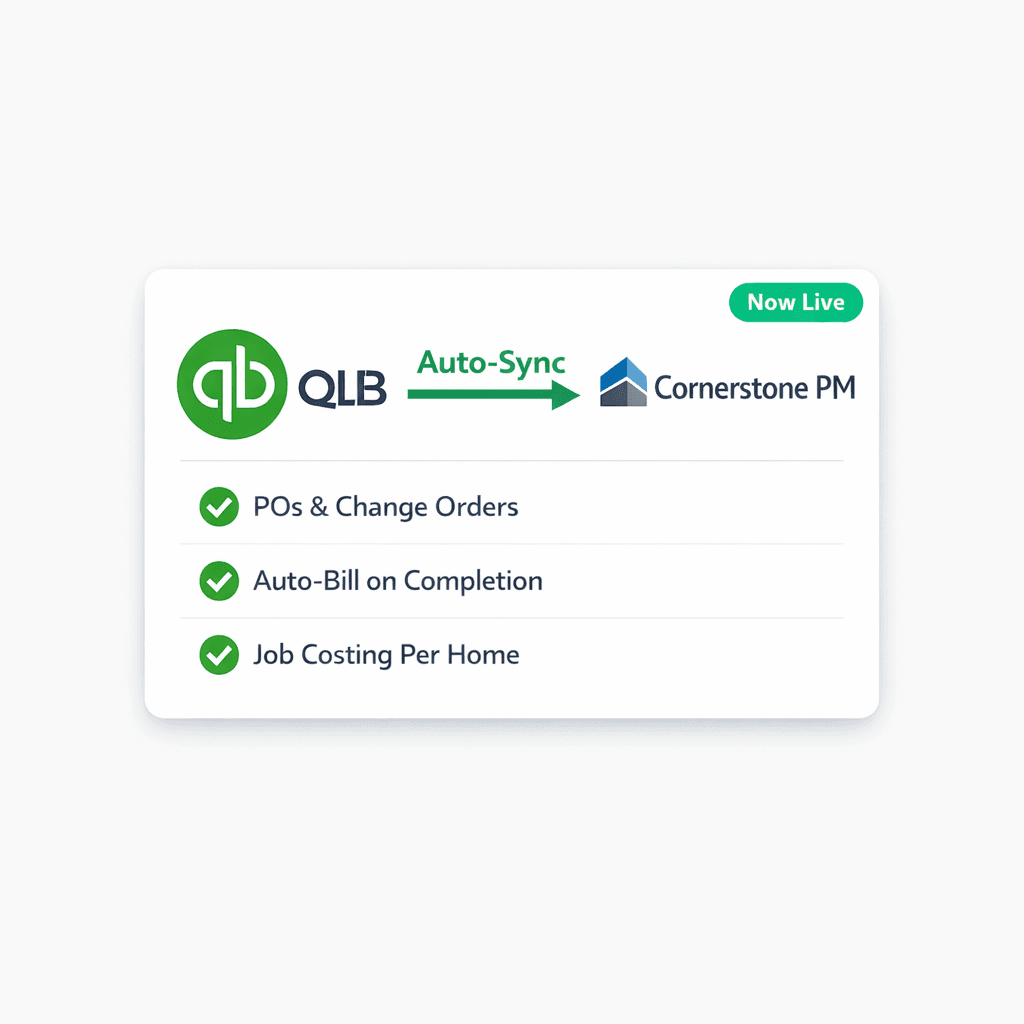
Cornerstone PM syncs to QuickBooks Online automatically — one-way. Approved POs, change orders, bills, and vendors post themselves to QBO without manual entry, CSV exports, or re-keying. Your books stay current because Cornerstone handles the push.
For production home builders, managing purchasing and keeping QuickBooks accurate used to be two separate jobs. A PO got approved in one tool, then someone had to re-enter it in QBO. A change order was issued on the jobsite, and by the time it hit QuickBooks the numbers were three days stale. Cornerstone's QBO integration collapses those two jobs into one. Approve in Cornerstone — it appears in QuickBooks.
What syncs from Cornerstone to QuickBooks Online?
The sync is one-directional: Cornerstone pushes to QuickBooks. Changes you make directly in QuickBooks do not overwrite Cornerstone — your build data stays in Cornerstone as the single source of truth. Here's what flows automatically:
Purchase Orders
Approved POs post to QBO automatically. Drafts stay private in Cornerstone until you approve and send — so your books only reflect committed costs.
Change Orders
Every approved change order syncs and rolls up to the correct QBO project (Home), keeping your per-home P&L accurate even as scope evolves.
Bills
Mark a PO received/complete and Cornerstone can auto-create the matching Bill in QBO — linked to the original PO so it auto-closes with no duplicate entry.
Vendors
New vendors in Cornerstone are created in QBO automatically. No re-keying vendor names, payment terms, or contact details across two systems.
Drafts stay private inside Cornerstone — they don't touch QuickBooks until you approve and send. That means your QBO books only reflect committed costs, not estimates your team is still working on.
Real job costing: Community → Customer, Home → Project
The integration maps your Cornerstone hierarchy directly to QuickBooks' job costing model. Each Community becomes a QuickBooks Customer (parent). Each Home within that community becomes a Project (or a sub-customer Job on QBO tiers without Projects).
The result: per-home and per-community P&L lives inside QuickBooks without any manual setup. A framing PO approved for Lot 14 in Oakridge Ridge automatically posts to the Oakridge Ridge customer → 123 Maple Drive (Lot 14) project. Change orders and revisions roll up to the correct job. Your accountant can pull a job cost report in QuickBooks and it reflects everything that happened in Cornerstone.
One-click Chart of Accounts setup
When you first connect Cornerstone to QuickBooks, a one-click Chart of Accounts setup builds a construction-ready CoA and cost-code items in your QBO account. It reuses existing accounts by name — it never restructures your books or creates duplicates. For builders with an established QuickBooks setup, the integration slots in without disrupting your existing accounting structure.
Auto-create a linked Bill when a PO completes
This is the feature that closes the AP loop. When you mark a PO received or complete in Cornerstone, the integration can optionally auto-create the matching Bill in QuickBooks — linked to the original PO so it auto-closes with no duplicate.
The key word is optionally: this is a toggle per builder. And the payment step is always manual. Cornerstone never auto-pays. A vendor's bill lands in QuickBooks and sits there until the builder reviews and pays it inside QuickBooks on their own schedule. The human pay gate is intentional and permanent — no surprise payments.
AP payment terms and batch-pay: set it once, pay everyone on payday
Cornerstone lets builders configure AP payment terms so due dates compute automatically and carry into QuickBooks. Four schedule types are supported:
AP Payment Schedule Types
When a bill's due date is computed automatically and flows to QuickBooks, builders can batch-pay everyone on one payday. Instead of hunting through open bills across different vendors and due dates, you see every bill that's due, approve the batch, and send payment — one operation instead of twenty.
The end-to-end AP loop for home builders
Put the pieces together and the AP workflow for a production home builder becomes almost fully automated:
- Task completes in Cornerstone. A scheduled task — framing complete, rough plumbing passed inspection — triggers the next step.
- PO auto-generates and emails the vendor. Cornerstone creates the PO from the awarded bid and sends it to the vendor automatically.
- PO syncs to QuickBooks. The approved PO posts to the correct QBO project the moment it's sent.
- Vendor completes the work and submits an invoice. The vendor's only job is to send an invoice. They don't need a portal login or a software account.
- PO is marked complete; Bill auto-creates. The builder marks the PO received. If the auto-Bill toggle is on, the linked Bill appears in QuickBooks and the PO auto-closes.
- Builder reviews and batch-pays on payday. On the configured payday, bills come due automatically. The builder reviews the batch in QuickBooks and approves payment. No manual due-date tracking required.
Vendor's only job: send an invoice
The full AP loop — task completion, PO creation, QBO sync, Bill creation, and batch pay — runs on Cornerstone and QuickBooks. Your vendors don't need a portal, a login, or a software subscription. They submit an invoice; everything else is automated.
How the QBO integration fits the full purchasing workflow
The QuickBooks integration is the accounting layer on top of Cornerstone PM's end-to-end purchasing system. It doesn't replace any step — it extends the system into your books automatically:
- Blueprint AI extracts 130+ material scopes from your floor plan PDFs — those scopes become the scope items that drive POs.
- Awarded vendor bids lock pricing per community. When a PO generates, it uses the confirmed rate.
- The Bid Import AI keeps the Master Cost Budget current as bids evolve — replacement, not duplication.
- Every PO that flows to QBO traces back to a real scope, a real awarded bid, and a real floorplan. No filler pricing, no synthetic splits.
For builders who already use QuickBooks for accounting, the integration means one platform for purchasing decisions (Cornerstone) and one platform for accounting (QuickBooks) — with the sync running automatically between them. No nightly batch jobs, no CSV round-trips, no reconciliation surprises.
Frequently asked questions
Frequently Asked Questions
Does Cornerstone PM sync two-ways with QuickBooks Online?
What QuickBooks Online plan is required?
How does job costing work in QuickBooks after connecting Cornerstone?
Will Cornerstone ever auto-pay vendors in QuickBooks?
What is auto-Bill on PO completion?
What AP payment schedule types does Cornerstone support?
What happens to draft POs in Cornerstone — do they sync to QuickBooks?
Approve in Cornerstone. It posts to QuickBooks.
Cornerstone PM's QuickBooks Online integration is live now — one-way sync, real job costing per home, auto-Bill on PO completion, and AP batch-pay on your schedule. Connect your existing QuickBooks account in minutes.
Request Early Access